For any occasion
Wedding, christening, new home, graduation. The list fits the occasion, with the place, the time and who is coming.
Gift lists for birthdays, christenings and weddings
Make the list in two minutes and send it to the WhatsApp group. Everyone picks a gift and reserves it, and the others see it is taken. That way nobody brings the same thing.
You know how it goes: two relatives, the same remote-control car. On Joylist, whoever picks a gift reserves it and the others see it as taken. As simple as a list on the fridge, except the whole family can see it.
It doesn’t have to be perfect.
Add three gifts today and the rest tomorrow. The link stays the same and the list updates for everyone.
The AI assistant does the boring part.
Paste a link from eMAG or send a photo of a toy in a shop. The AI assistant brings in the name, photo and price.
Guests don’t need anything.
No account, no app. They open the link, pick a gift and tap “I’ll get it”. Done.
Everything in one link.
The gifts, the address, the time and who is coming. Nobody has to scroll the group chat for a message from three weeks ago.
It takes less time than explaining clothing sizes in the group chat. This is exactly what it looks like.
Design
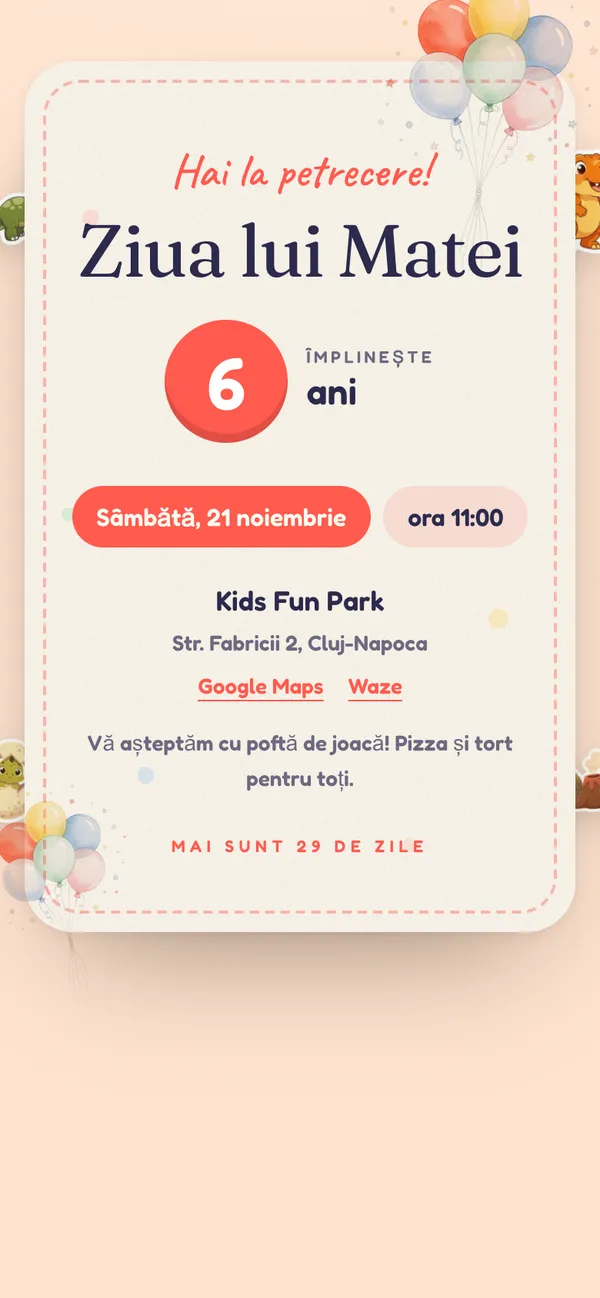
The list isn’t a spreadsheet. Pick an invitation, colours and stickers, and the page changes right away for everyone who has the link. Tap a name under the phone.
69 invitations
For children, Christmas, christenings, weddings or milestone birthdays.
Colours, title, stickers
10 palettes, fonts and 12 illustrated sticker sets.
Your photo
As the background or in the invitation frame. You choose how bright it stays.
The link stays the same
Change the look any time, even after you have sent the list.
RSVP
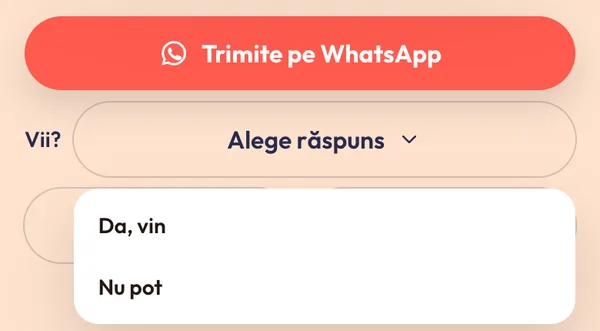
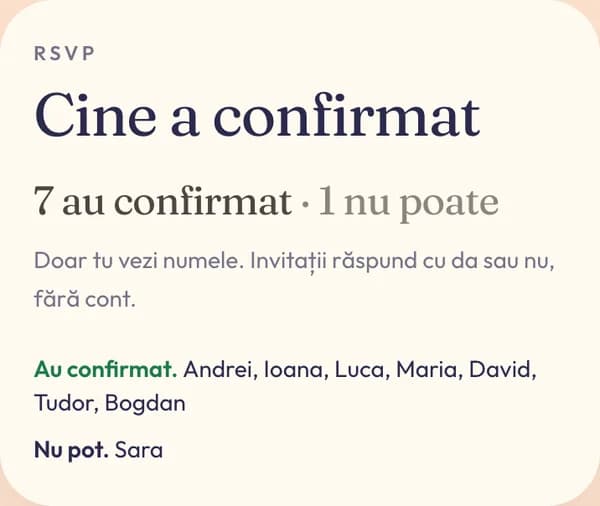
On the same page as the gifts, each guest tells you whether they are coming. Your headcount is ready when you order the cake.
Is the birthday months away?
Make the list now, send it when the time comes
Wedding, christening, new home, graduation. The list fits the occasion, with the place, the time and who is coming.
No, neither for you nor for your guests. When someone buys through the links on the list, some shops pay us a small commission. The price stays the same.
No. They open the link, pick a gift and leave their email. That’s it.
No. They only see that a gift is taken. Only you see who reserved it (their email), so you know whom to thank.
Yes. eMAG, IKEA, elefant or a small shop on Instagram. Guests buy straight from there; we only keep track.
Sign in with the same email and all your lists are there, ready to edit.
The list is ready before your coffee gets cold. The first step is the name of the person you are celebrating.
Make the list